
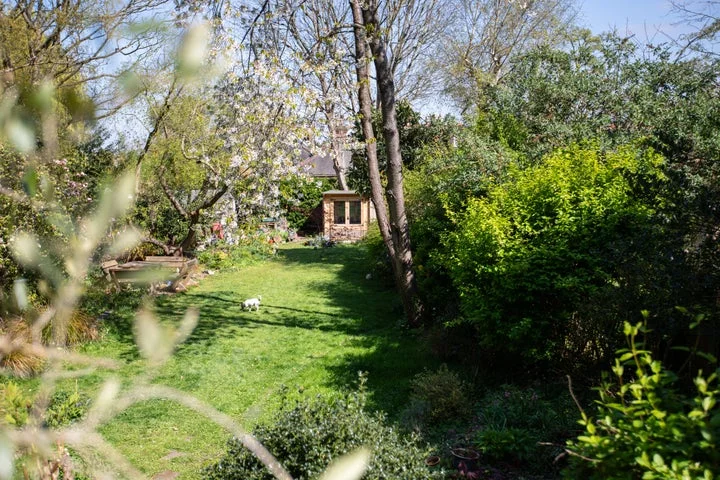
Installing a new autonomous mower might sound like an ominous task, but in reality, it’s a cinch if you follow the advice in our step-by-step guide to "set and forget" mowing
Even enthusiastic gardeners might find the idea of installing an autonomous mower a little daunting, but the reality is that it’s a straightforward afternoon project that doesn’t require any specialist skills.
Follow our seven-step guide and prepare yourself for a stress-free summer on an immaculately maintained lawn.
If you’d rather leave the installation to the experts Honda Authorised Dealers can take care of everything for you.
From positioning the docking station to laying the boundary wire and setting up your mower, they’ll ensure your Miimo is installed correctly and ready to deliver perfect results from day one.
This service is available for a fee, and you can find your nearest dealership here .
The first piece of prep is to make sure you have a model suitable for your garden.
Honda, which makes the popular Miimo range of autonomous mowers, has a bespoke online lawn planner into which you can put your postcode, and it will tell you which model is best for you.
2.
Position the docking station
Once you’re equipped with the right robotic mower, you’re good to go.
To start, choose where you want to put your docking station.
The positioning of the docking station varies by model, with some Honda Miimo having "flexible docking" allowing you more control of where you choose to position this; it simply needs to be plugged into the wall using the Miimo’s regular three-pin plug.
Once you’ve selected a spot as the Miimo’s base, the main task is the laying of the boundary wire, which is a fairly simple job even in large gardens with complex layouts.
Unroll the wire and guide it around the lawn starting at the docking station.
Be sure to lay it 20 cm within the perimeter of your lawn, leaving it slack at the corners to help Miimo turn.
Then, peg it into place every metre or so with the simple-to-use pegs provided.
Or, if you prefer, you can bury the cable a few centimetres into your lawn using an edging tool, or similar.
If you have any features within the wider lawn – a pond, say, or trees – they can easily be ringed off, as can any particularly steep hills.
Gentle slopes, however, are fine: the Miimo can deal with slopes up to 25 degrees.
Once laid, the boundary wire will be covered by normal grass growth within two to three weeks so it can no longer be seen
Then, you need to place your Miimo in its dock and let it charge for 40 to 60 minutes, depending on the model Once Miimo is charged and ready to go, it’s time to programme its cutting schedule.
This can be done through Honda’s intuitive app, or via the Miimo’s onboard control panel.
The app also allows you to easily refine and reset the cutting schedule, and with the Miimo Live models, this can be done from anywhere in the world using 4G technology.
The crucial decisions you need to make are cut height – the Miimo can be set to cut anything from 20 mm to 60 mm – and how frequently you want it to mow.
In spring and summer, sending the Miimo out three to five times per week usually gives the best results.
This kind of "little and often" approach works brilliantly, as the robot will only take the very top off the grass, which it then returns to the soil as enriching mulch.
This means you don’t have to collect the clippings and you get a lush lawn with great colour.
Once you’ve reached this point, you are at the "set and forget" stage of lawn maintenance.
The only important decision left to make is what to do with all that time you’ve just reclaimed from your weekend: hit the gym or fire up the barbeque!
Related Stories



Source: This article was originally published by The Independent
Read Full Original Article →
Comments (0)
No comments yet. Be the first to comment!
Leave a Comment