
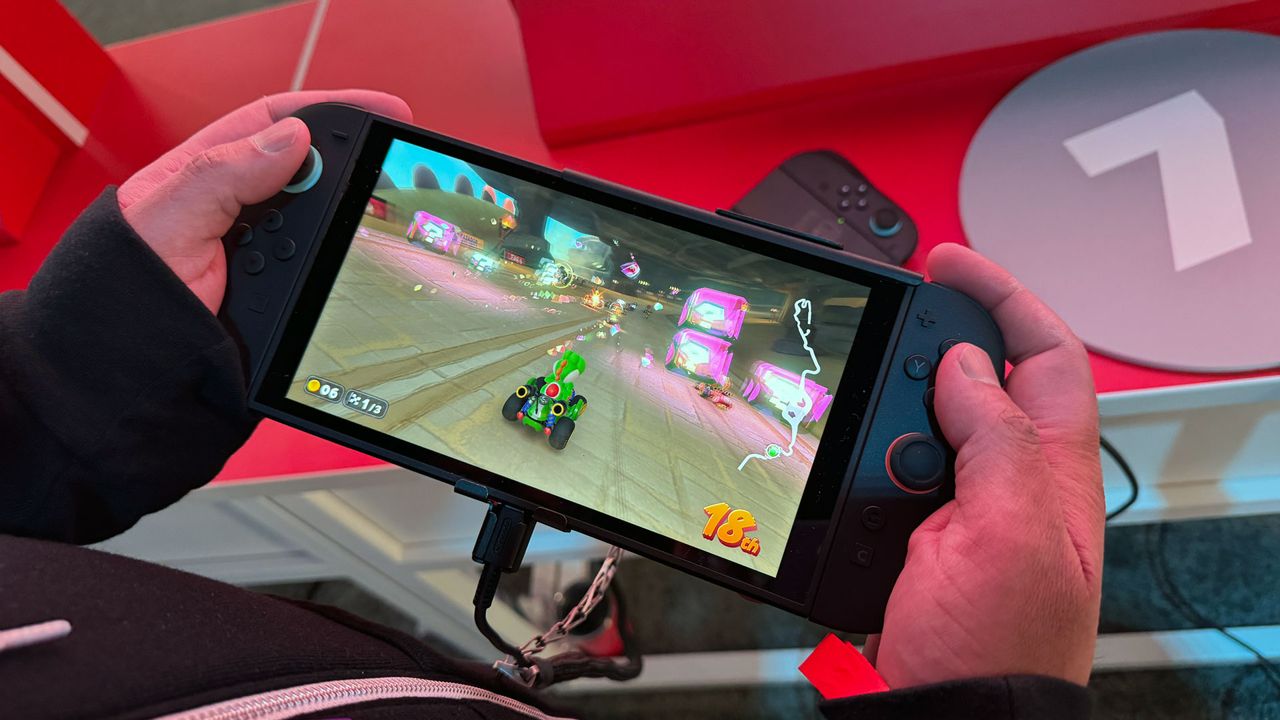
Handheld mode just got a big upgrade.
Get Tom's Hardware's best news and in-depth reviews, straight to your inbox.
Nintendo has rolled out a new system update with version 22.0.0 for the Switch 2, bringing a new feature to the hybrid console called "Handheld Mode Boost".
According to the patch notes , enabling this mode allows the software to run as if in TV Mode.
This essentially lets original Switch games run in handheld mode as if they were docked in TV mode, taking advantage of the Switch 2’s faster hardware and built-in 1080p display.
Since the original Switch featured a 720p display, most games ran at the console’s native resolution in handheld mode and scaled up to 1080p when docked.
With the latest update, the Switch 2 can now run those games at higher resolutions in handheld mode, offering improved visuals along with a potential boost in performance for certain titles.
Nintendo notes that enabling Handheld Mode Boost comes with a few drawbacks.
For instance, the attached Joy-Con 2 controllers are treated as a Pro Controller, which may disable the touchscreen since the game runs in TV mode.
Additionally, some on-screen instructions may be inaccurate, and certain games that rely on motion or touch controls are not supported.
While Nintendo has yet to provide a full list of compatible titles, a report by Eurogamer indicates that games such as Super Mario Maker 2 , Pokémon: Let’s Go, Pikachu!
/ Eevee!
, Super Mario 3D All-Stars , The Legend of Zelda: Skyward Sword HD , Clubhouse Games , Taiko no Tatsujin: Drum ’n’ Fun!
, and Pikmin 1+2 are not supported in Handheld Mode Boost.
To enable Handheld Mode Boost on the Nintendo Switch 2, head over to System Settings > System > Nintendo Switch Software Handling , then toggle Handheld Mode Boost on or off.
The company notes that enabling the mode can result in increased power consumption while playing games at a higher resolution.
Follow Tom's Hardware on Google News , or add us as a preferred source , to get our latest news, analysis, & reviews in your feeds.
Kunal Khullar is a contributing writer at Tom’s Hardware.
He is a long time technology journalist and reviewer specializing in PC components and peripherals, and welcomes any and every question around building a PC.
Related Stories



Source: This article was originally published by Toms Hardware
Read Full Original Article →
Comments (0)
No comments yet. Be the first to comment!
Leave a Comment